
A service desk sends a customer issue to an engineering team in Jira. The issue arrives, so the integration test passes. Two days later, the customer asks for an update. The engineering team changed its status, but the service desk cannot tell whether the fix is ready for customer testing or the request should be closed.
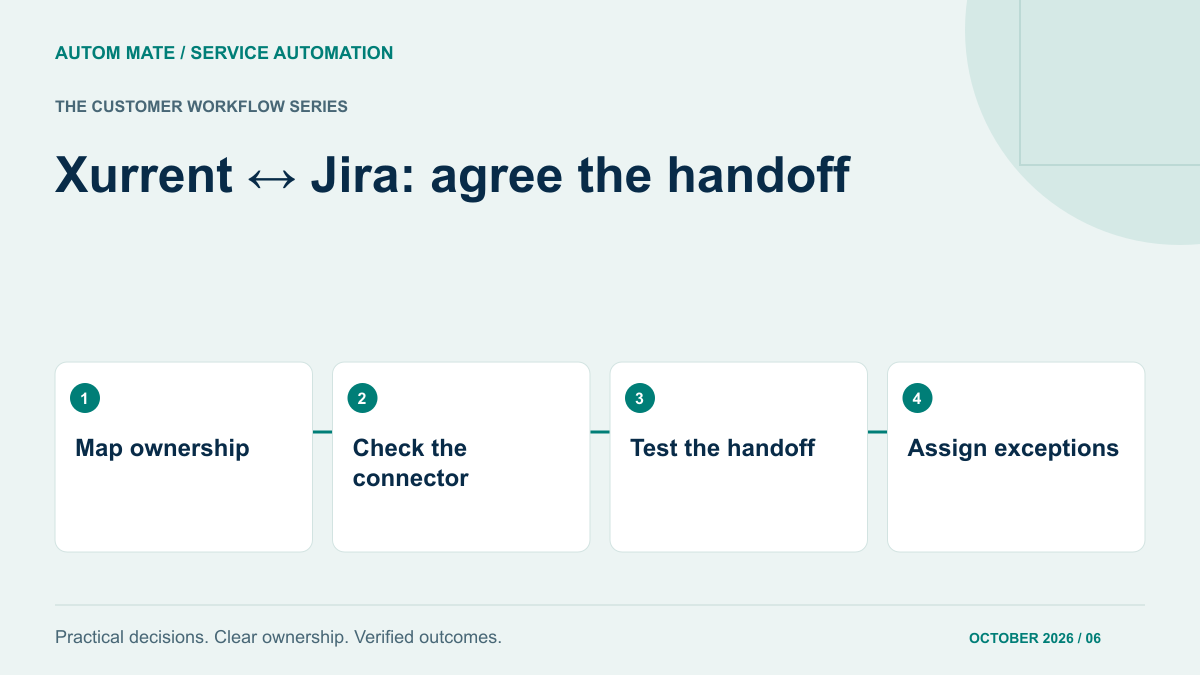
This is a handoff problem. Before adding another connector, agree what each team is responsible for and what information must cross the boundary. A useful Xurrent and Jira integration starts with a shared operating agreement, then uses the simplest connection that meets it.
Check the standard options first
Xurrent’s integration catalogue describes both an Integration Service option and a basic Jira App Store integration. The basic option maps service instances to Jira projects and creates Jira issues from Xurrent requests. Its status changes are communicated as notes rather than maintained as synchronised request states. Check the current connector documentation and your own configuration before selecting an approach.
That distinction can be entirely acceptable. A service desk may want to retain responsibility for customer-facing status while receiving engineering updates. A more elaborate integration is justified only when an agreed requirement remains unmet: particular fields, routing rules, attachment controls, exception recovery or additional systems.
Work through one realistic handoff
Consider an illustrative application support service. A customer reports that an exported invoice contains the wrong reference. The service desk owns the customer conversation. An engineering team owns investigation and the software fix. The request remains open until the service desk confirms the agreed resolution with the customer.
Write down the events that matter: the handoff is accepted, engineering needs more information, a fix becomes available, the customer tests it, and the service desk closes the request. These events are more useful than trying to make every status label identical. Engineering’s “Done” might mean code merged; the customer may still be waiting for a release.
Create a field and ownership map
| Information | Authoritative owner | Handoff rule to agree |
|---|---|---|
| Customer-facing request status | Xurrent service desk | Engineering progress informs the service desk; closure requires its acceptance rule. |
| Engineering work status | Jira engineering team | Send meaningful progress changes with their interpretation. |
| Customer impact and urgency | Service desk | Translate through an agreed priority map; flag unsupported values. |
| Technical investigation notes | Engineering | Only approved note types cross into a customer-visible record. |
| Linked record identifiers | Integration process | Retain both identifiers so retries find the existing relationship. |
| Attachments | Originating team | Check allowed content, destination visibility and handling failures. |
For every row, record who can correct bad data. “The integration owns it” is incomplete when two teams disagree about the underlying meaning. A named service owner should decide business rules; a technical owner should implement and diagnose them.
Separate customer communication from technical conversation
An internal Jira comment may contain speculative diagnosis, supplier details or information about another customer. Copying every comment into a request is rarely a useful default. Decide which comments are transferable, whether a person must approve them, and how the destination distinguishes an internal note from a customer message.
Test this with representative demonstration data. Give the reviewer the destination view that an ordinary service desk agent or customer would see. Administrator visibility is a poor substitute: it can hide the fact that a normal user lacks access or expose information that should remain internal.
Also agree what the integration must leave out. You may need a short technical summary rather than a full transcript. The handoff should give the receiving team enough context to work without creating a second uncontrolled copy of every detail.
Define what happens when the handoff fails
A timeout after issue creation is especially awkward. The receiving system may have created the issue even though the sender never received the response. Before retrying creation, reconcile the request against its saved relationship or agreed correlation field. Otherwise one customer request can become several engineering issues.
Other failures need different treatment:
- Unknown project or service instance: stop automatic routing and send the record to the configuration owner.
- New status with no agreed meaning: preserve the update as evidence and ask the service owner to map it.
- Permission removed: report the affected operation and receiving team; avoid endless unattended retries.
- Attachment rejected: keep the ticket handoff visible while clearly marking the missing supporting material.
- Both teams edit the same field: apply the agreed authoritative source, or create an explicit conflict for review.
Each exception needs a visible queue, an owner and a next action. A log entry that nobody reviews does not complete the support handoff.
Use a small acceptance test with both teams
Choose one request type and one engineering project. Walk through a normal request, a request for more information, a reopened issue and an interrupted delivery. Include a private note and an attachment that should not transfer. Ask each team to describe what the other team is now expected to do.
Record three results separately: whether the data arrived, whether it retained the intended meaning, and whether someone took responsibility for the next step. This prevents a technically successful sync from being mistaken for a completed service process.
Where the standard connector passes these tests, keep it. Where it does not, document the precise gap before considering custom automation. Our Xurrent integration guide provides broader context for connecting service processes.
Make the buying decision around the remaining work
The question for a supplier is practical: who maintains the field map, monitors failed handoffs and retests the process when either team changes its workflow? Compare that service responsibility alongside the software connection. A connector and a supported integration service may solve different parts of the same problem.
If your handoff involves additional approvals or systems, bring the field map and one failed example to an Autom Mate Enterprise discussion. Start with the missing operational requirement. That gives the evaluation a clear purpose and lets both teams recognise when the integration is ready to use.