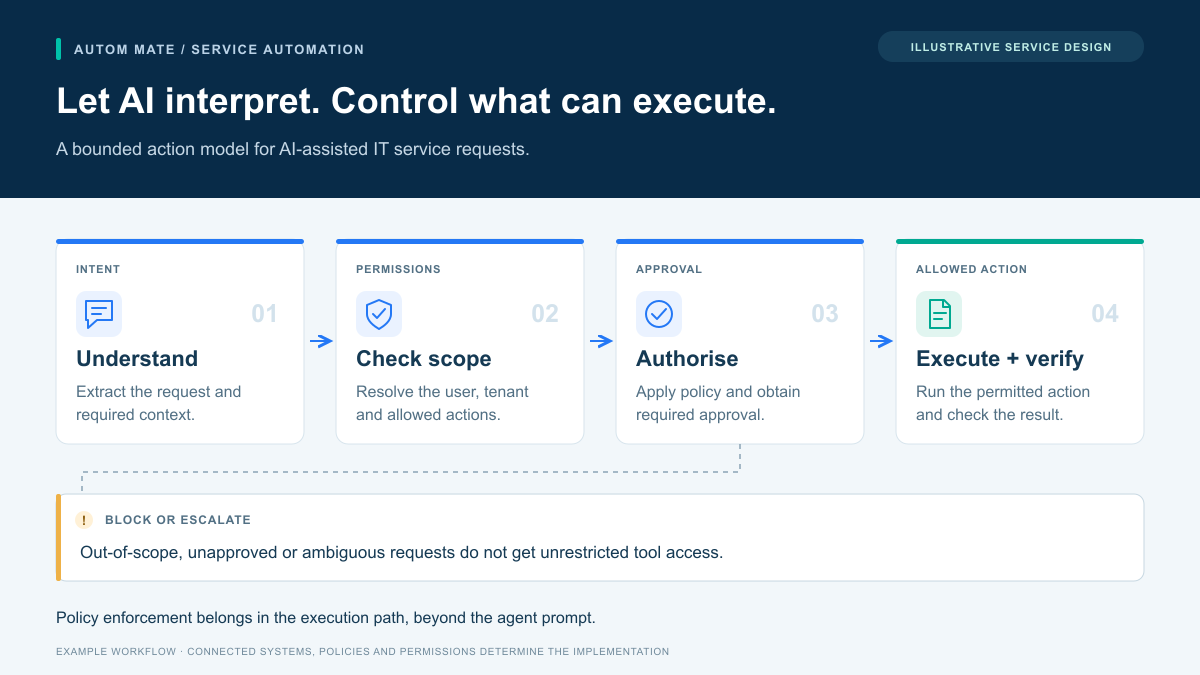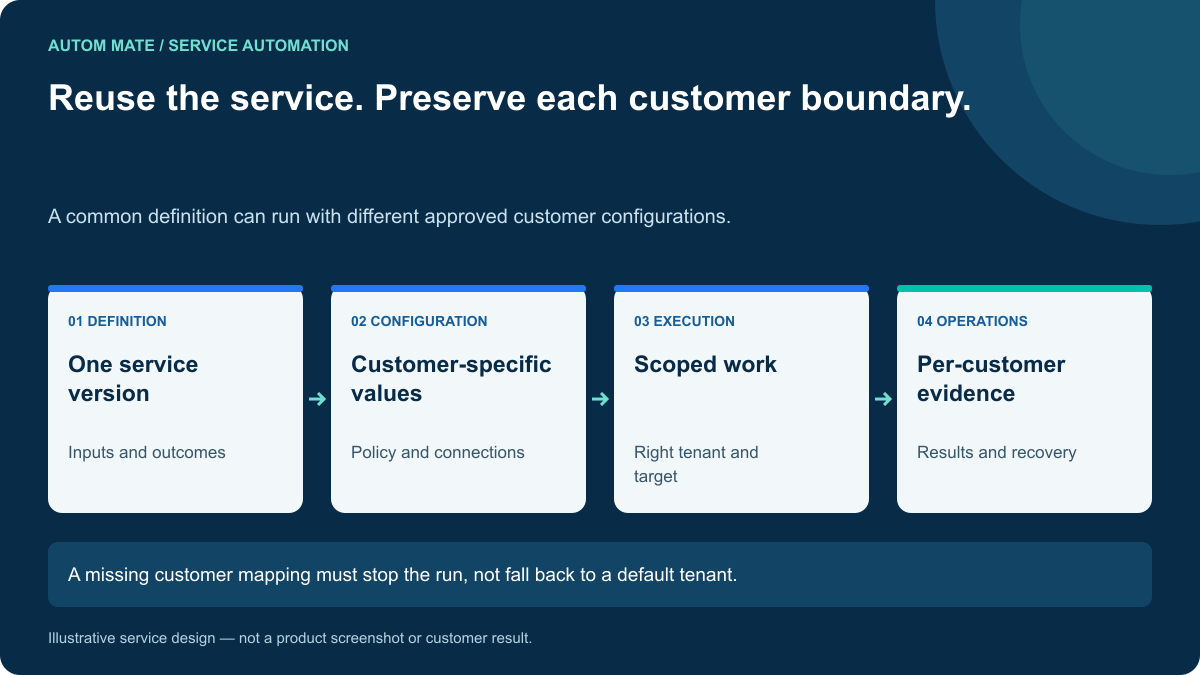

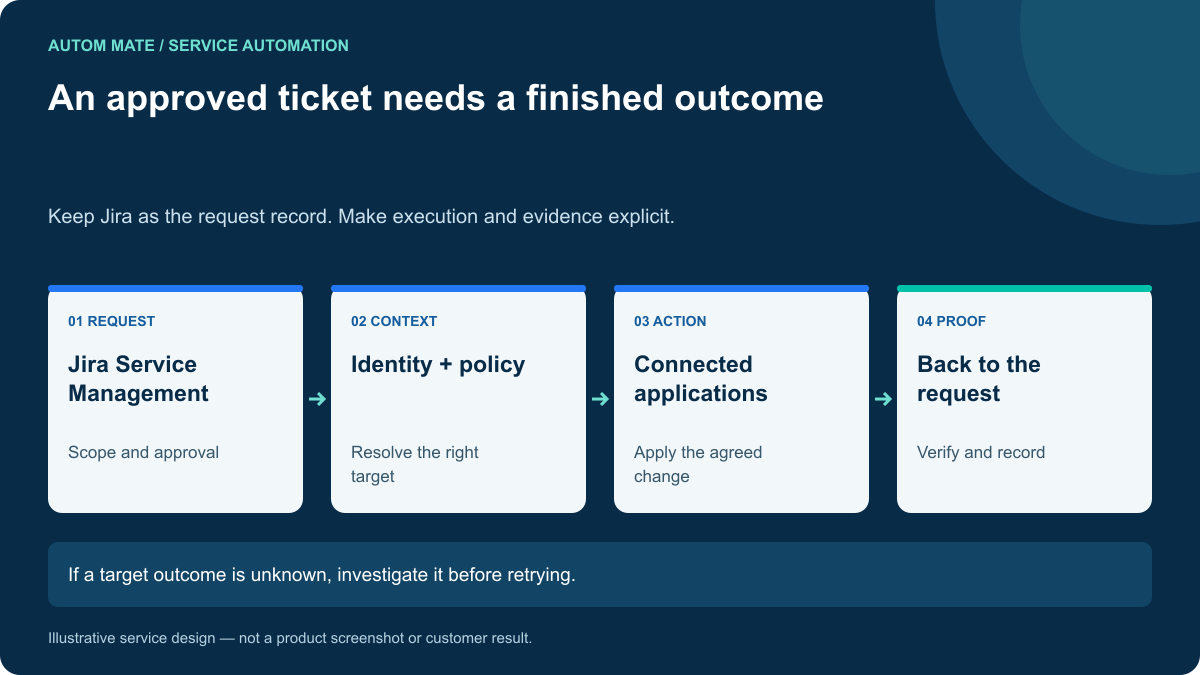
Jira Service Management automation becomes a complete fulfillment service when an approved request produces a verified change in the systems that deliver it. Moving a ticket to “Done” is meaningful only if the requested work is actually finished. The design challenge is connecting the request, the permission to act, the external action and the evidence.
Consider an employee requesting access to a reporting application. The manager approves in Jira. Someone still has to resolve the correct account, check the approved role, apply the entitlement and confirm that it exists. That gap is the focus of this guide.
Start with the native automation you already have
Jira has substantial automation capabilities. Atlassian documents actions for updating work items, adding comments, transitioning status and sending web requests that can return data for later steps. Assess those actions before adding another execution layer. See Atlassian’s automation actions reference.
A native rule may be sufficient when the task has a clear scope, the required connection is supported and your team can operate its failure path. A wider orchestration layer becomes worth evaluating when the service crosses several applications, customer environments or operating teams. The question is who owns the complete result and its recovery.
Define the request-to-execution contract
Do not send the entire ticket to an executor and ask it to infer authority from the description. Agree a small contract containing the business facts needed to perform this particular service.
| Field | Purpose | Example validation |
|---|---|---|
| Request identifier | Connect attempts to the same business request. | Exists in the expected Jira project. |
| Approved scope | Specify the application and entitlement. | Matches the latest approved request version. |
| Subject identifier | Resolve the employee independently of display name. | Maps to exactly one active account. |
| Approver reference | Explain why the action is allowed. | Decision remains valid for this scope. |
| Expected result | Define the completion check. | The approved reporting role exists. |
| Recovery owner | Route uncertainty to an accountable person. | A maintained support group is assigned. |
The contract should not contain reusable passwords or administrator tokens. Store credentials in the approved connection mechanism and keep their permissions limited to the actions required. A ticket field that names an application is input, not permission to call any endpoint.
A practical fulfillment sequence
This example is a proposed implementation pattern, not a claim about a named customer deployment.
- Read the current decision. Confirm that the request is approved and has not changed or been cancelled. If the requested role was edited after approval, return it for the appropriate decision.
- Resolve the target. Use a maintained identity mapping. If the directory contains two plausible accounts, assign a review task instead of guessing.
- Inspect existing access. If the exact approved entitlement already exists, record that fact. Do not create duplicate access merely to show a successful API call.
- Apply the change. Invoke the supported target action using a scoped connection. Retain a reference to the operation and its result.
- Check the outcome. Read back the relevant state where supported. Distinguish a request accepted for processing from a completed change.
- Update Jira. Record verified, failed and unresolved steps. Complete the request only when its agreed acceptance conditions are satisfied.
For an asynchronous application, the fifth step may require a later status check. Make that state visible. A customer should not receive a completion message while the target application is still processing the request.
The timeout case decides whether the service is reliable
Suppose the target applies the role, but its response never reaches the workflow. A blind retry may create another object or repeat a downstream notification. The right recovery starts by resolving what happened, using the request reference and current target state.
Also separate an action failure from a writeback failure. If access was granted but the Jira comment failed, repair the comment. Repeating the access grant is unnecessary. Designing step-specific recovery is more useful than putting one retry around the whole service.
When a service changes several systems, define partial completion explicitly. You may be able to compensate for one change; another may require an application owner. Avoid promising a universal rollback across independent products.
What to ask for in a demo
Give the vendor one approved request, one cancelled request and one deliberately ambiguous account. Then ask to see a duplicate delivery and a target timeout. The useful evidence is how the service behaves under those conditions.
- A cancelled request causes no external change.
- A duplicate delivery produces the same intended outcome without duplicate side effects.
- An ambiguous identity is held for review.
- A failed Jira update does not repeat completed target work.
- The final record distinguishes approval, execution and verification.
Track manual handling minutes, unresolved requests and verified fulfillment time. A count of triggered rules can increase while users still wait for access.
Where Autom Mate fits
Autom Mate’s Atlassian integration supports connecting Jira with the surrounding service environment. A configured Hyperflow can coordinate the actions around the request while Jira remains its operational record. Specific connections, permissions and recovery behavior should be agreed for the workflow.
For the policy side, read our access request management guide. To evaluate your own case, book a Jira fulfillment workflow session and bring one request type, its approval rule and the systems that must change.