
A new starter is due on Monday. Their account has been prepared, a laptop has been reserved and application owners have approved access. On Friday afternoon, HR moves the start date back by two weeks. Updating a date in the HR system is easy. Working out which downstream actions must change is the real onboarding problem.
Employee onboarding automation needs to handle revisions as deliberately as the original request. Otherwise a postponed starter can receive access too early, a cancelled hire can retain an active account or a rescheduled request can create duplicate equipment orders.
The following design is an illustrative operating pattern for HR, IT and service providers. The exact actions must follow the organisation’s access, equipment and retention policies.
Keep one employment event, with revisions
Use a stable reference for the onboarding event and keep its latest approved revision. The reference should identify the particular employment event, not depend solely on an email address or a date that may change. A returning employee can have a previous account and a new onboarding event.
Record the intended start date, relevant time zone, employment status, manager, location, role and the source that is authorised to change each field. Retain the earlier values needed to explain decisions. A date correction should update the existing event and its planned work, rather than silently create a second onboarding request.
Microsoft’s Lifecycle Workflows deployment guidance includes HR attribute ownership and date population as planning considerations. That is a useful reminder to settle the source-data process before relying on date-driven execution.
Distinguish planned, completed and active work
A single “onboarding in progress” status hides too much. For each downstream step, distinguish work that is scheduled, dispatched, confirmed complete or awaiting attention. Then capture whether the result already gives the person usable access.
For example, reserving a laptop, shipping it and enrolling it are different states. Creating a disabled account and enabling that account are also different decisions. A postponement may justify rescheduling one step while requiring an immediate policy-led access decision for another.
Do not assume a cancellation can reverse every action. A welcome message cannot be unsent, and dispatched equipment may need a return process. The automation should create the necessary follow-up with a named owner and keep the onboarding case open until the relevant actions are resolved.
Agree the exception table with HR and IT
| Change received | What to check | Controlled response |
|---|---|---|
| Start date postponed before provisioning | Latest approved date and pending tasks | Reschedule pending work and invalidate superseded task instructions |
| Postponed after access was enabled | Actual account and application access | Apply the approved access policy and record the owner of any exception |
| Hire cancelled | Accounts, equipment, bookings and messages already actioned | Stop future tasks and open explicit recovery or return work |
| Start brought forward | Approval validity and missing prerequisites | Prioritise required tasks without bypassing authorisation |
| Conflicting updates arrive | Source authority and event revision | Hold disputed actions for HR resolution; preserve both references |
| New starter is a rehire | Existing identity and prior account state | Reconcile identity before creating or reactivating access |
This table should contain decisions your teams have actually accepted. “Apply policy” needs a linked internal rule and an accountable role in the implementation. It must not become a vague instruction for an AI model to invent the organisation’s access policy.
Recheck the event immediately before consequential actions
A task scheduled on Monday may run after HR changes the date on Thursday. The worker handling that task should check that the event is still active and that its instruction belongs to the current revision before taking a consequential action.
Use the same discipline when processing an approval. If the requested role or access package changed after approval, determine whether the earlier decision still covers the request. A manager’s approval of the original package should not automatically authorise additional privileges introduced later.
Between checking and acting, another update can still arrive. Design the implementation to handle that race explicitly: retain the revision acted upon, check the resulting state and route any conflict for reconciliation. A process diagram alone does not remove concurrent updates.
Use a worked example to expose missing handoffs
Suppose a starter’s account exists but is disabled, their laptop has been dispatched and a specialist application owner has not approved access. The date moves from 5 October to 19 October. These dates illustrate the scenario; they are not an execution schedule.
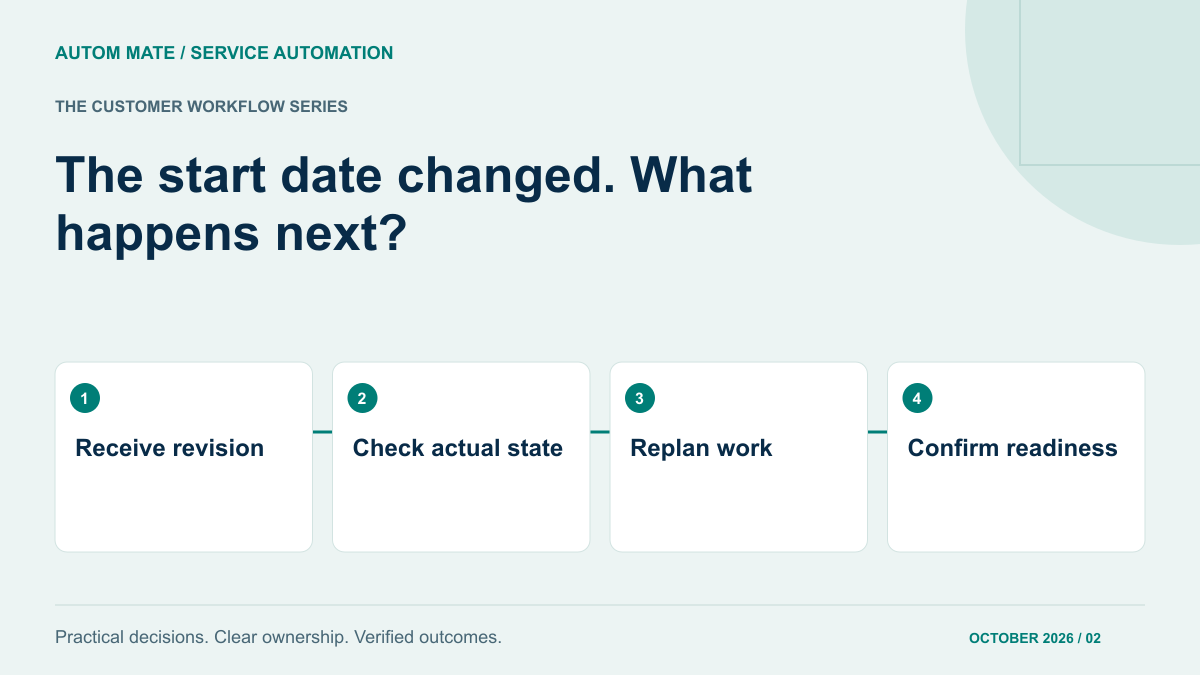
The identity task remains pending until the revised activation point. The equipment owner confirms whether delivery can be changed or whether secure storage is needed. The application request is updated so the approver sees the current start date. HR and the manager receive one clear service update describing what is ready and what still needs attention.
Now change the example to a cancelled hire. The service needs to stop activation, check for access already granted and assign equipment recovery. Closing the HR record alone is insufficient evidence that those downstream actions have completed.
Test changes while work is in flight
- Deliver the same date-change message twice and check that it does not create duplicate orders or notifications.
- Deliver an older update after a newer one and check that the old date does not become authoritative again.
- Change the date after a task has been dispatched but before completion is reported.
- Cancel the event when one destination system is unavailable and verify that the unresolved access check stays visible.
- Use two employees with similar names and confirm that the stable identity reference controls the action.
Measure the service by readiness and resolved exceptions, not simply by the number of tasks launched. Useful review questions include how many starters reached the approved readiness state on time, how many had outstanding access decisions and how long revised requests waited for an owner.
Start with the exception that creates the most rework
You do not need to redesign the entire employee lifecycle to improve this service. Map one recent type of date change, identify the systems it touches and agree who confirms the final state.
The joiner–mover provisioning guide covers the wider flow. Use this exception pattern to make that flow resilient when the business changes its mind. If the handoffs span HR, identity, applications and service management, explore that specific coordination problem with Autom Mate Enterprise Edition.