
A dashboard can show thousands of successful workflow runs while the customer is still waiting for one important service. A monthly review should make that difference visible.
For an MSP delivering IT service automation, the review is the place to explain what the service achieved, where people had to intervene and what should change next. It should help a customer make decisions about scope, reliability and priorities. A collection of execution charts is useful supporting material, but it is not the meeting’s purpose.
This review format uses an illustrative managed onboarding service. Adapt the questions to your own service definition and reporting agreement. Its measures are proposed operating practices, not claimed Autom Mate customer results.
Agree the reporting boundary before counting
Write down which requests belong in the month. A request can arrive in one reporting period and finish in another. If the report silently counts arrivals in one chart and completions in another, the numbers become difficult to reconcile. Show the opening backlog, new eligible requests, completed requests, withdrawals and closing backlog as a consistent set.
Separate production requests from testing, demonstration runs and monitoring checks. Deduplicate service requests independently of the workflow attempts that supported them. Three attempts to deliver one onboarding request should not appear as three customer outcomes.
Explain exclusions and changes to definitions. If a newly added application is outside the existing service commitment, report its work separately until the agreement is updated. A comparison with last month needs that context before anyone interprets an apparent improvement or deterioration.
Build a compact evidence pack
The main report can be short when it links to a controlled evidence record. Give business stakeholders an understandable summary, and allow authorised operational staff to inspect the underlying request when needed. Avoid copying an entire log containing personal data into a presentation.
| Review section | Evidence | Decision it supports |
|---|---|---|
| Delivered outcomes | Requests with the agreed completion check | Is the service doing the work the customer expects? |
| Open exceptions | Age, cause, impact and named owner | Which unresolved cases require attention first? |
| Human effort | Recorded intervention type and effort basis | Where would redesign remove recurring work? |
| Service changes | Release references and affected customer configuration | Did the change improve the intended experience? |
| Next actions | Decision, accountable owner and agreed date | What will be different before the next review? |
Keep a traceable connection between an aggregate and the requests behind it. If the customer questions a result, the answer should come from the record, not from somebody reconstructing the month from memory.
Measure the experience at the right point
Google’s SRE guidance recommends defining objectives around user-centred actions and critical journeys. That is a useful principle for an automation review: the completed business action matters more than a component’s successful response. Google’s guidance on implementing service-level objectives explains this distinction.
For onboarding, separate “request accepted”, “technical actions completed” and “ready for the employee”. The last state might depend on a device handover or an application owner’s confirmation. Do not collapse those states into a green total if the service definition treats them differently.
Show timeliness alongside completion. A request completed after the employee’s first day may have a different impact from one completed within its agreed window. Pair the trend with the oldest unresolved requests so that recent easy completions do not hide a small group of difficult cases.
The guide to measuring completed work in automation service levels provides a starting point for those definitions. Use the same definitions in the review rather than creating a second reporting vocabulary.
Use exceptions to choose improvement work
Bring a short list of recurring causes, not just a count of failures. “Application error” is too broad to guide investment. Missing department information, an expired integration credential and an unavailable application owner call for different fixes.
For each recurring cause, state whether the next action belongs to the MSP, the customer or a software provider. Customer-dependent work should remain visible without becoming an excuse for inaction. The provider can still clarify the required input, notify the owner and record the agreed follow-up.
Do not remove a difficult request from the report by quietly reclassifying it. If it becomes out of scope, explain why, obtain the appropriate agreement and keep a traceable record. Otherwise the review can appear healthier while the customer’s work remains unresolved.
Discuss value without inventing savings
Distinguish observed time from estimated time. If a manual baseline came from a small sample, label it as such. If intervention effort is not recorded, do not present a precise saving based on an assumption that every run eliminated all manual work.
Discuss value using the evidence available: fewer repeated handoffs, a smaller overdue queue, clearer ownership or a verified reduction in recorded handling effort. Where the data is incomplete, agree how to collect it for a useful comparison. The existing request-to-outcome service model helps keep the discussion tied to delivered work.
Leave with decisions that can be checked
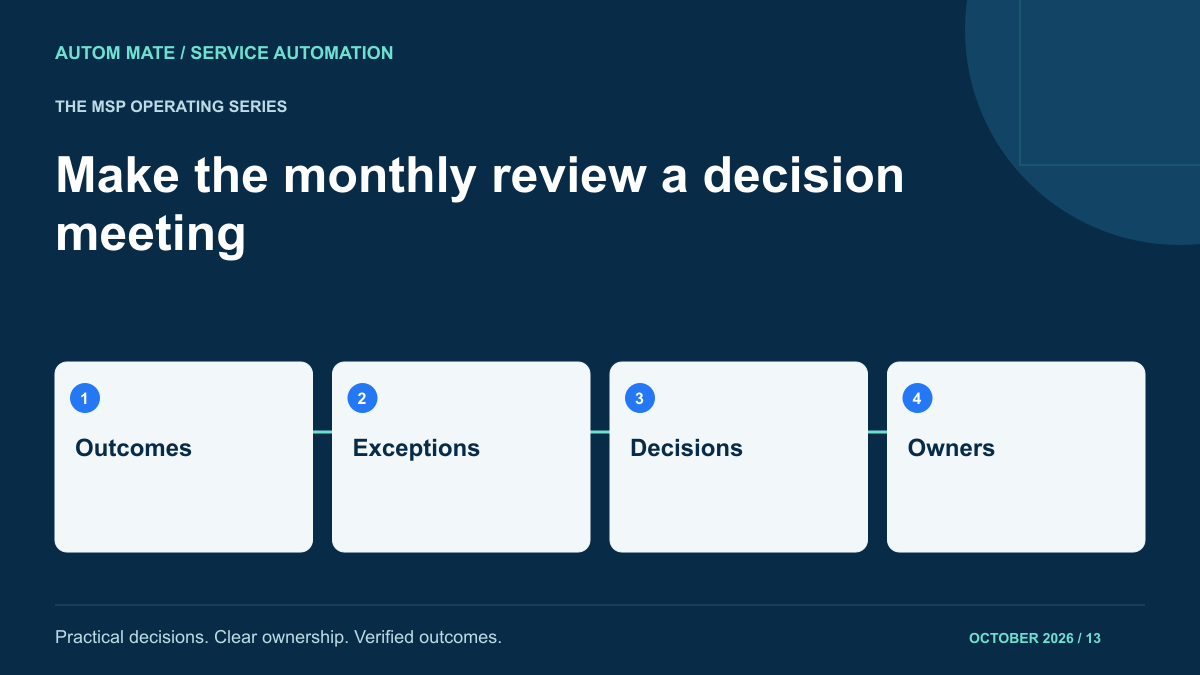
A practical agenda is: confirm the service boundary, review outcomes, inspect material exceptions, agree changes and confirm owners. Send the evidence pack early enough for participants to identify questions. Keep the meeting itself focused on decisions that need more than one person.
For example, the customer may agree to make a department code mandatory, while the MSP agrees to add a validation message and test the change. Record both actions together because either action alone may leave the problem unresolved. At the next review, check whether the change happened and whether the affected requests improved.
When designing an MSP service automation offering, include the review evidence and responsibilities in the operating model. A customer should be able to answer what was delivered, what still needs attention and what the two teams have decided to do about it.