
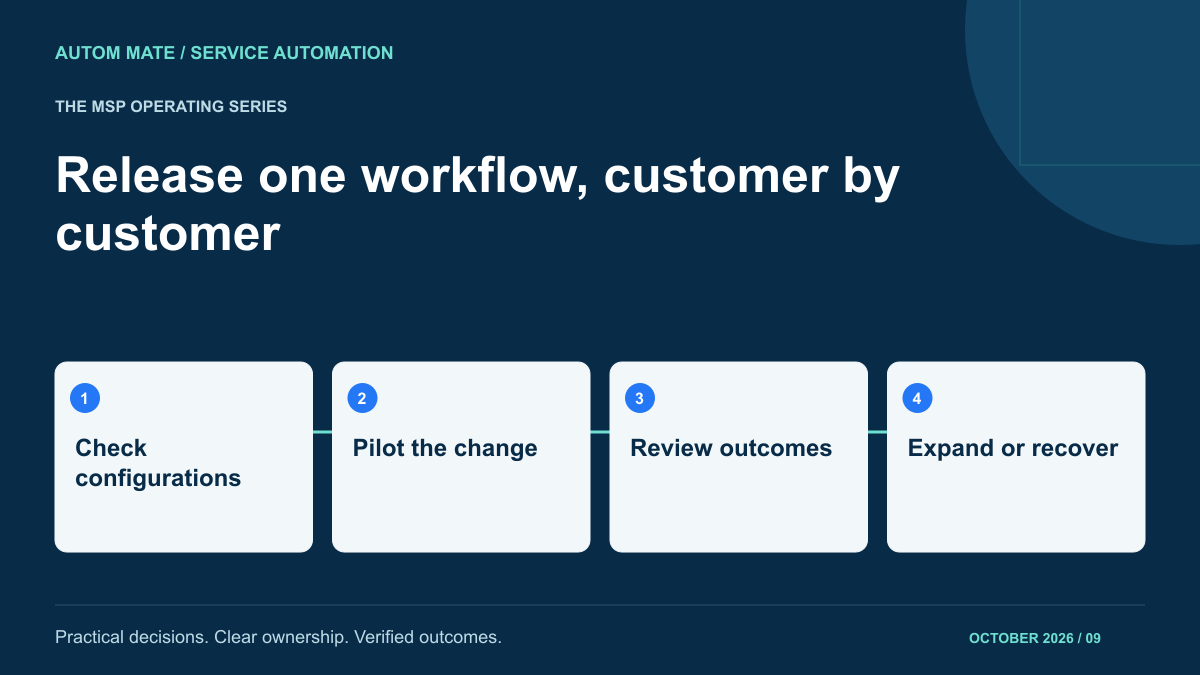
An MSP improves a shared onboarding workflow. The change works for its test customer, so the team applies it everywhere. Another customer’s approval chain uses a different field, and requests begin waiting in the wrong queue. The shared design saved development effort; the shared release multiplied the mistake.
Reusable automation needs a release process that respects customer differences. The aim is to improve the common service while preserving each customer’s agreed rules. That requires knowing which version each customer uses, what configuration it depends on and what will happen to work already in progress.
Separate the service logic from customer configuration
Start with an inventory of the shared workflow and the customer-specific values it reads. In an illustrative onboarding service, the common logic may validate a request, obtain approval, coordinate tasks and verify completion. Customer configuration supplies the approver, target systems, group mappings, notification recipients and working calendar.
A release can change either layer. Updating a field name may require a configuration migration even if the business sequence stays the same. Record those dependencies explicitly. A workflow version without its compatible configuration is an incomplete release record.
Our guide to building one service for multiple customers covers the design foundation. Release management adds a controlled way to change that service after customers depend on it.
Write a release record an operator can use
| Release item | Question to answer | Example evidence |
|---|---|---|
| Behaviour change | What will happen differently? | Approval now uses the named service owner rather than the requester’s manager. |
| Customer eligibility | Which configurations can use this release? | Required owner field exists and has been checked. |
| Work in progress | What happens to requests already running? | Existing requests finish under their recorded version. |
| Acceptance checks | What proves the new behaviour? | Approved, rejected and missing-owner cases produce expected results. |
| Stop condition | What halts further rollout? | Any request routed to an unintended approver. |
| Recovery owner | Who can pause, reconcile and restore service? | Named duty owner with the previous configuration and affected-request list. |
These are example release controls to design into your operating process. Confirm how the chosen tooling supports versions, routing and recovery; do not assume that a platform implements every control automatically.
Choose a pilot customer for coverage
A quiet customer may make a release appear safe simply because nothing happened. Choose a pilot that represents the changed behaviour and has an agreed review window. If the change affects approval routing, the pilot must exercise that route, including a rejected request and an unavailable approver.
Use representative demonstration records before live rollout. Test a customer with a missing optional field, one using a different calendar and one where a downstream system responds slowly. The exact cases should follow the change’s risks rather than a fixed checklist copied into every release.
Microsoft’s deployment guidance recommends gradual exposure with health checks between stages. Applied to a managed workflow, that means reviewing actual service results in a limited cohort before expanding to more customers.
Decide what to do with running requests
A request may have received approval under the previous rules but not yet reached provisioning. Replacing its remaining steps without a decision can change what was approved. Specify whether existing requests finish under the old behaviour, pause for review or undergo a documented migration.
Record the version and configuration used for each request. That gives the support team a way to reproduce its decisions even after the service has changed. Where the runtime cannot preserve separate versions, consider a controlled maintenance window or a queue-draining plan instead of assuming seamless migration.
Be especially careful with delayed actions. A scheduled removal created by an older release may execute after the new release goes live. Include scheduled work in the affected inventory; it does not disappear just because no workflow appears active at that moment.
Observe service outcomes before expanding
For the pilot, inspect the result the customer receives. Did the intended person approve? Did the correct customer system change? Was completion verified and recorded? Also look for new manual work: a workflow can finish while leaving operators to repair the same data on every request.
Wait for enough relevant activity to test the changed path. Low-volume services may need an agreed supervised acceptance case rather than a short observation window. Be clear when evidence comes from a test and when it comes from normal delivery.
Use the definitions in your automation service-level scorecard. Comparing the same completion and exception measures before and after a release makes the decision easier to explain.
Plan recovery around actions already taken
Restoring an earlier workflow version affects future execution. It may not undo an account created, a message sent or an entitlement changed. A useful recovery plan distinguishes software restoration from business reconciliation.
- Pause new affected requests while preserving their input.
- Identify requests processed by the new version.
- Check their actual downstream state before retrying anything.
- Determine which corrections require customer or application-owner approval.
- Restore a known compatible workflow and configuration.
- Record corrections and tell affected owners what remains outstanding.
If the change altered stored data, check whether the earlier version can still read it. Otherwise rolling back the workflow may introduce a second fault. Some incidents require a corrective release instead; make that choice with the recovery owner and the affected customer’s agreed process.
Finish with a customer-specific release record
Track which customers received the release, which remain on the previous version and why. An exception may be temporary while a customer supplies a missing field. It still needs an owner and a planned review so the service does not fragment into undocumented variants.
Tell service desk colleagues what changed in language they can use: which requests behave differently, how to recognise a problem and where to route it. A release note describing only technical edits does little for the person answering a customer’s call.
Bring one shared workflow and the customer differences that make updates difficult to an Autom Mate MSP discussion. A manageable release process is part of making automation a repeatable customer service.